
The Awesome Screenshot Windows Desktop App plays an important role in enriching the Awesome Screenshot product series. This app was launched on Nov 2, 2023. We just updated the Awesome Screenshot Desktop App for Windows in Oct, 2024. Let’s explore the highlights of this app.
As a powerful screen recording tool:
1. Users have the option to select either a circular camera image or a square camera image using the Awesome Screenshot Desktop App on Windows.
Circular camera image:

Square camera image:

Feel free to choose your preferred shape, and you can easily switch between them.

2. Effortlessly record any selected area without being limited to a tab. Simply drag to define a custom recording area, allowing you to exclude elements like the top navigation bar or bottom taskbar.
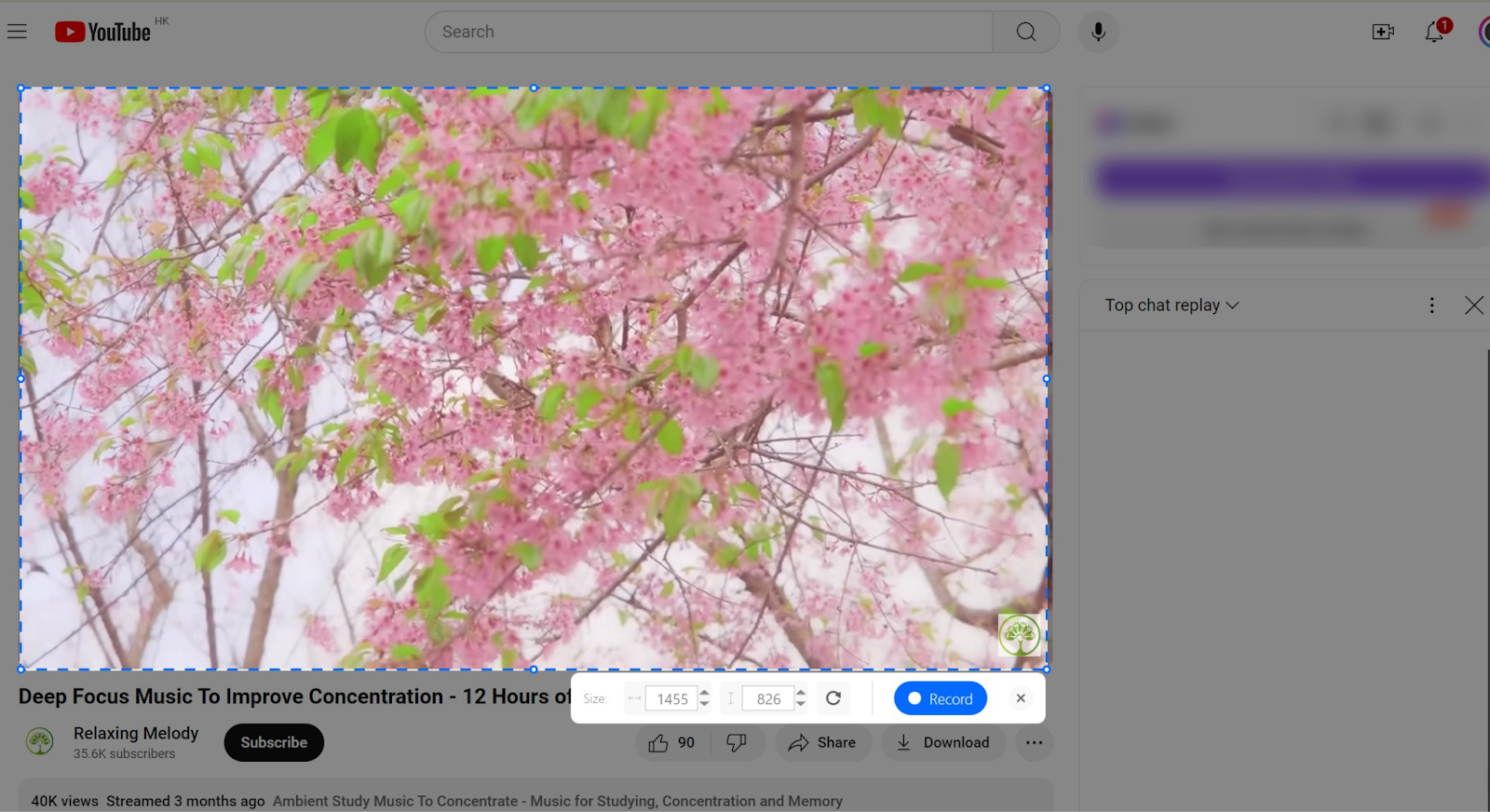
3. Include system audio (internal audio) in the Window recording mode, which cannot be achieved using browser extensions or add-ons. For instance, when recording an app window, the audio from the app can be seamlessly included.
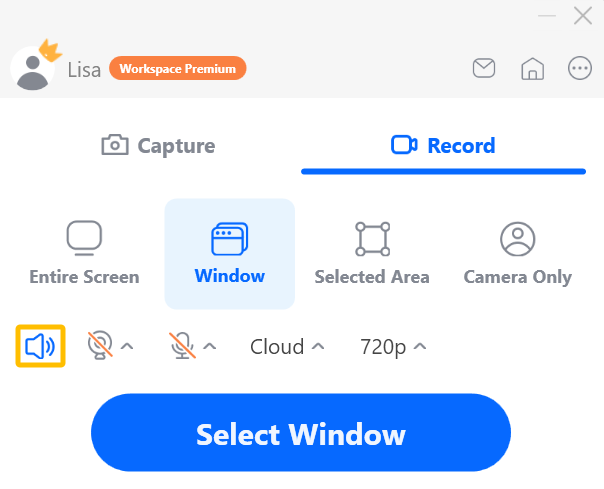
4. Simultaneously record internal audio (system audio), microphone input, and camera image in a recording.

Opt to include only internal audio in a recording, eliminating microphone input to avoid capturing your voice and surrounding sounds.

Opt to include only microphone sound in your recording to only record your voice, eliminating internal audio (system audio).

5. Users can record and save a recording to Cloud (AwesomeScreenshot.com) or Local (local computer) even if the internet is offline.
“Oops, the internet connection is interrupted while I’m recording. Will I lose my video?”
“Can I keep recording without an internet connection?”
“I need to record videos, such as my sister’s wedding, but have no internet at that time. Is this possible? Will my video be automatically uploaded to the Awesome Screenshot Cloud when there is internet connection if I choose to save the recording to your Cloud?”
Don’t worry. We’ve accounted for these situations in our app. Recording will continue despite an internet interruption unless you manually stop it. If you choose to save it to the Cloud, your video will be automatically uploaded once the connection is restored.

Wow!
6. Use shortcuts to start, pause, resume, stop, or cancel a recording. Users can easily change these shortcuts by pressing new key combinations.

As a screenshot capturing and screenshot editing tool:
- Easily edit screenshots with annotation tools and boost productivity using shortcut combinations.

2. Utilize settings to bypass annotation, quickly access the AwesomeScreenshot Desktop App for Windows, change shortcut combinations, and designate a default folder for saving screenshots and video recordings.

Scenarios:
- Record meetings on platforms like Google Meet or Zoom. You can choose to record the Entire Screen, ensuring you capture all content displayed. If you choose to record a specific Window, only the content within that window will be recorded.
- Record content from applications, such as online courses. You can record the Entire Screen, a specific Window, or a Selected Area. If the course is being streamed through an app, make sure to display the app on the screen.
- Easily report bugs by capturing screenshots or recording videos and instantly sharing them.
- Create product demos or how-to tutorials.
- Record real-life scenes by selecting to record “Camera Only”.
- Record online games or other videos.
…
If you have any bug reports, questions, or suggestions, please feel free to reach out to us via the Feedback option in our app.

We are committed to continuously improving this app. Enjoy seamless video recording and screenshot capturing!
 Awesome Screenshot Blog